Search And Filter Queries
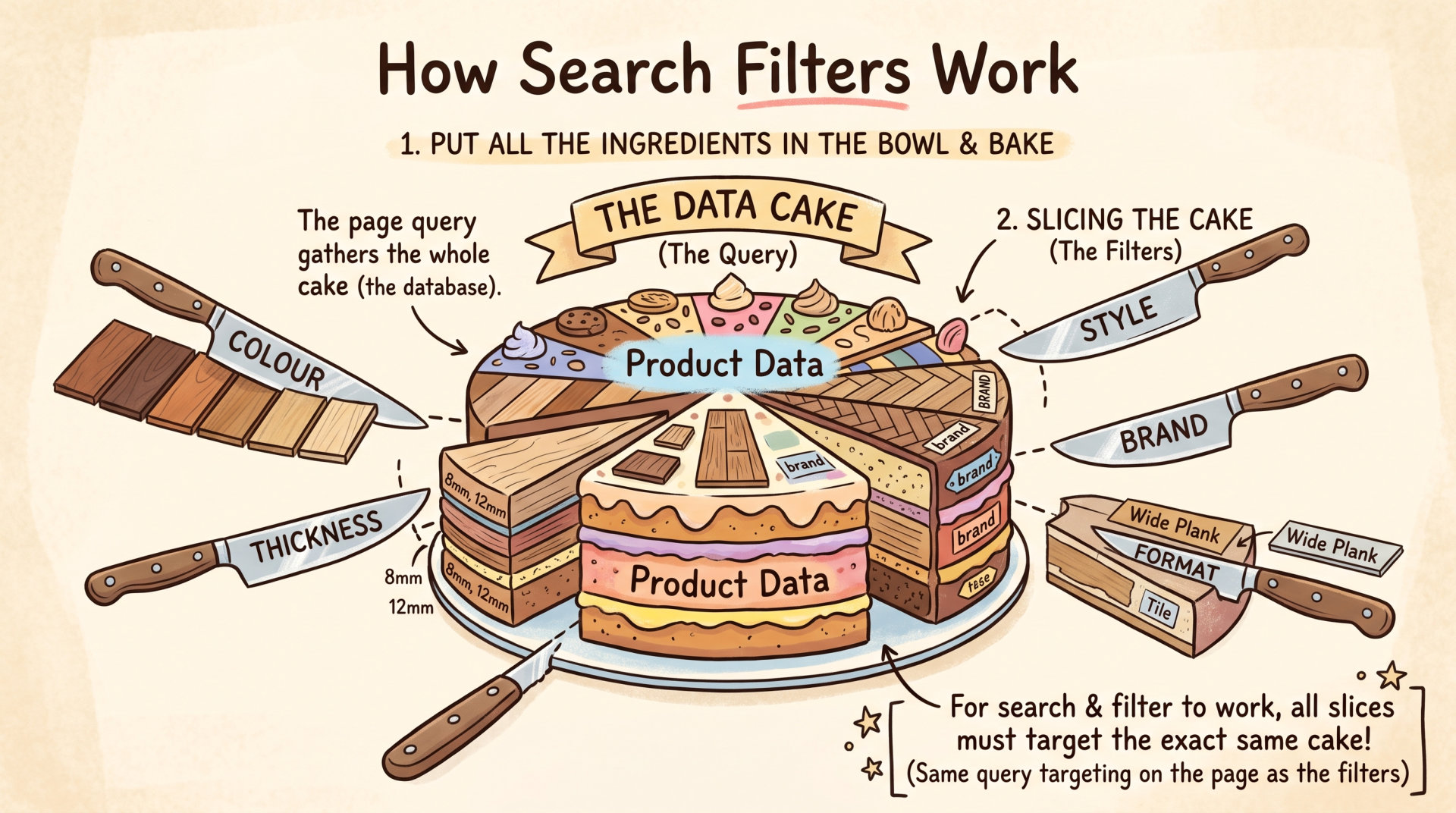
A query is like assembling all the possible products which could be in that group, which is the first step. (The second step is segmenting that group.)
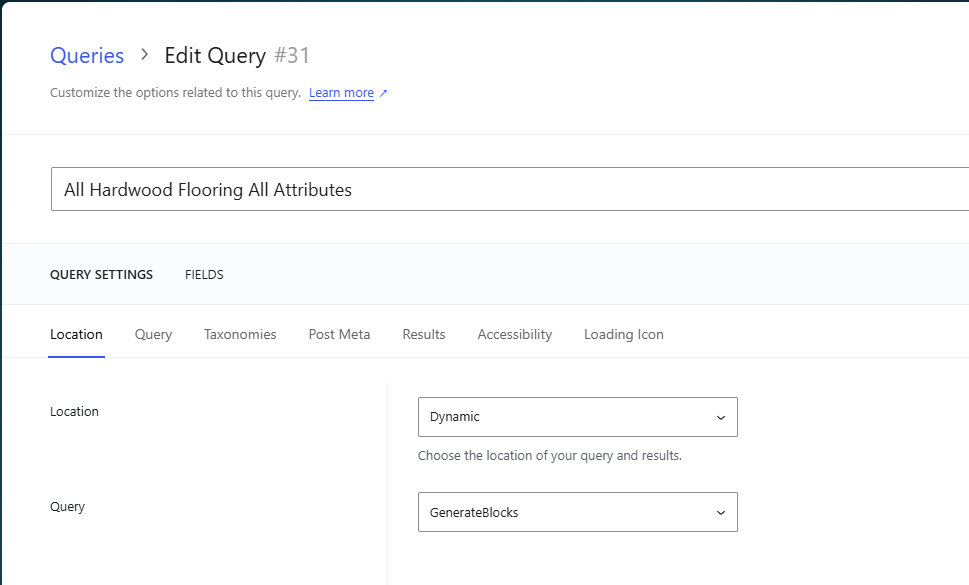
All Queries using Generatepress and GenerateBlocks start off with this.
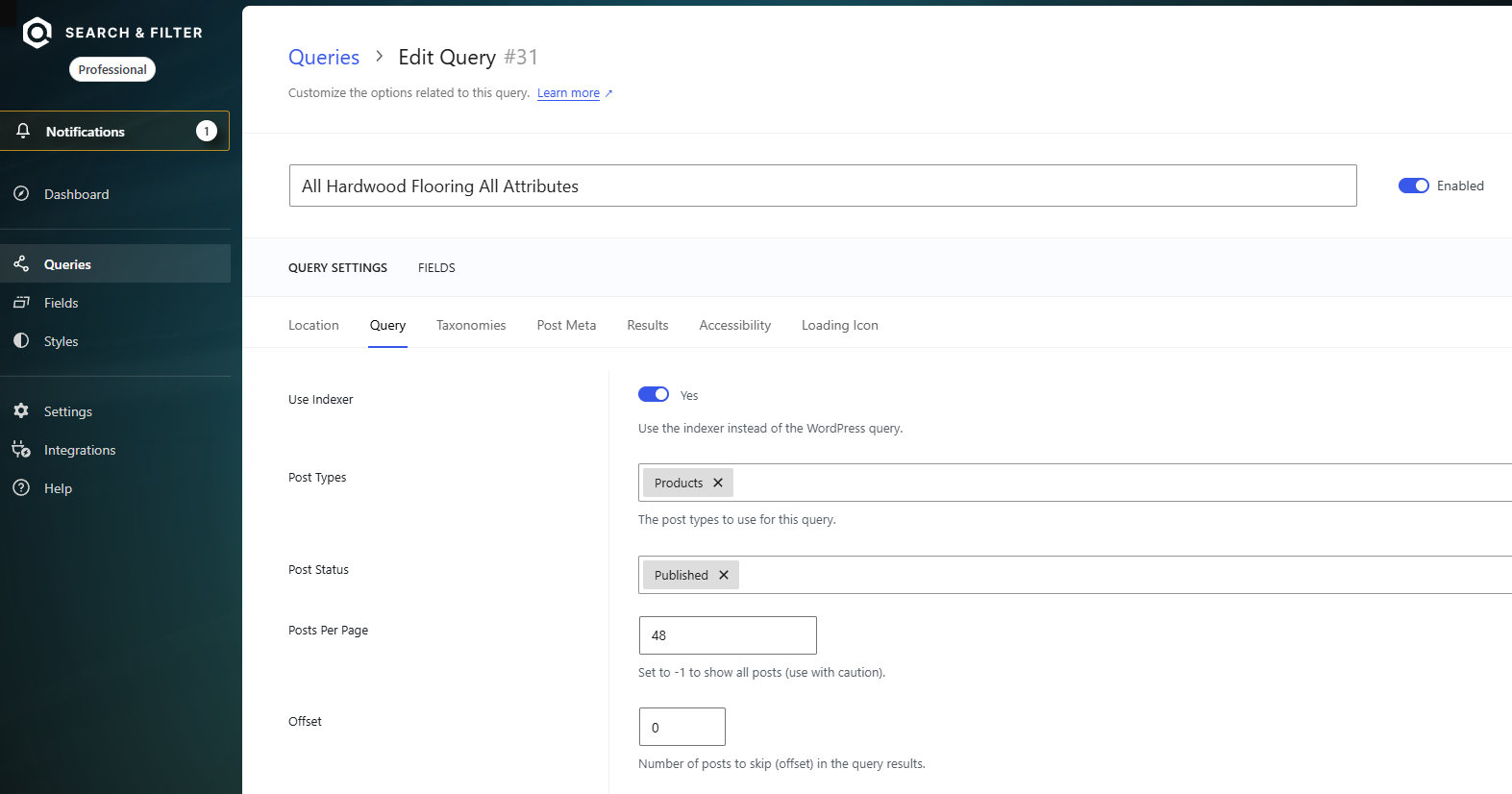
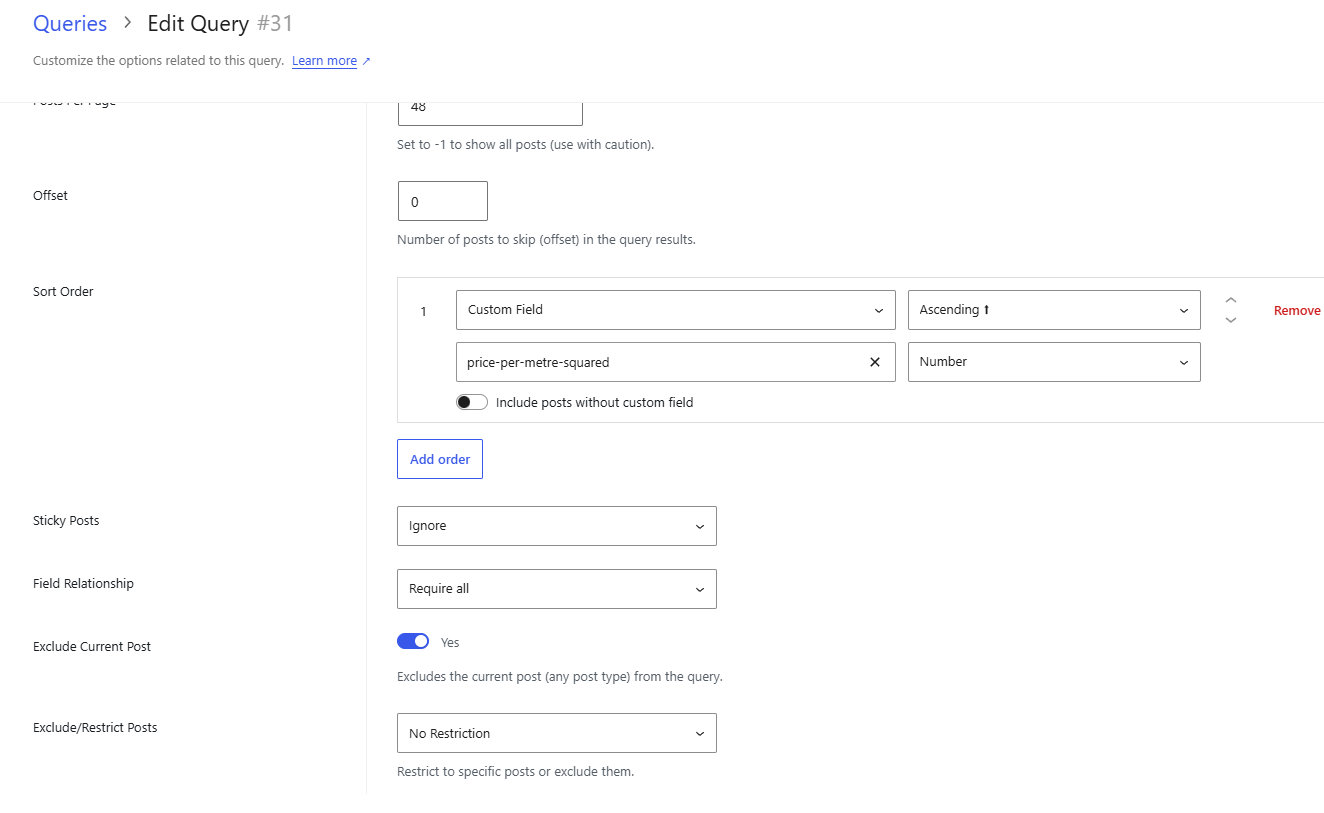
All Queries using Generatepress and GenerateBlocks start off with this.
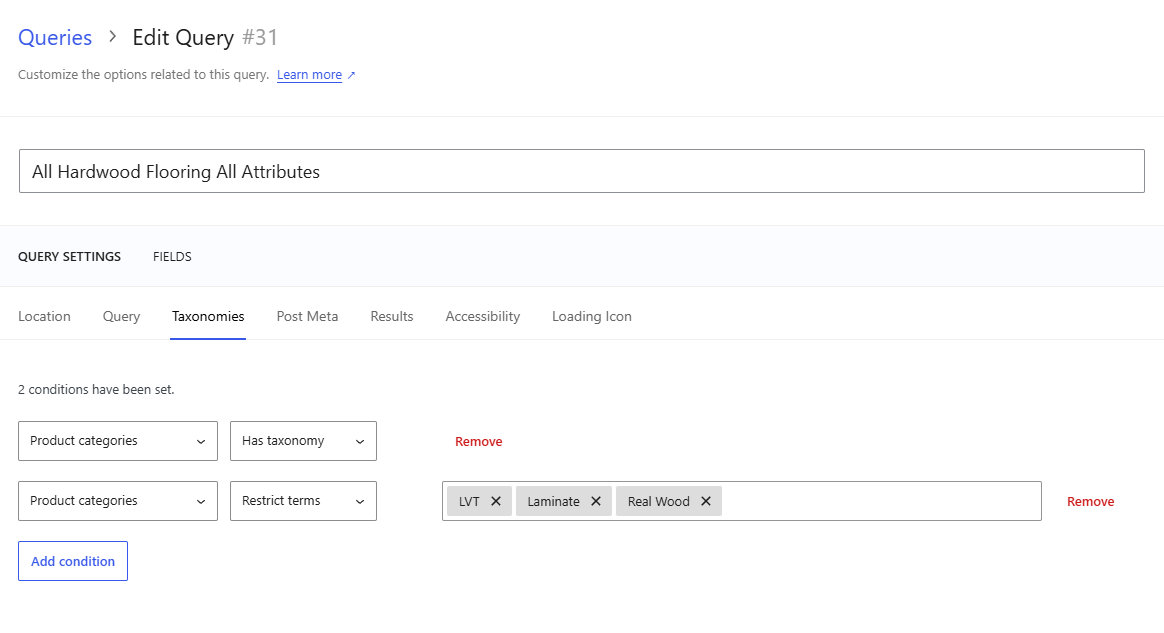
Product categories = Has taxonomy.
Product categories = Restricted in this instance is restricted to all the LVT, Laminate and Real Wood Floors
When this is complete we have created our possible content available for the next stage, which is Fields.
Fields
Now we have a bucket / group / selection of products the object is to be able to divide those up in a meaningful way.
Thickness is one example
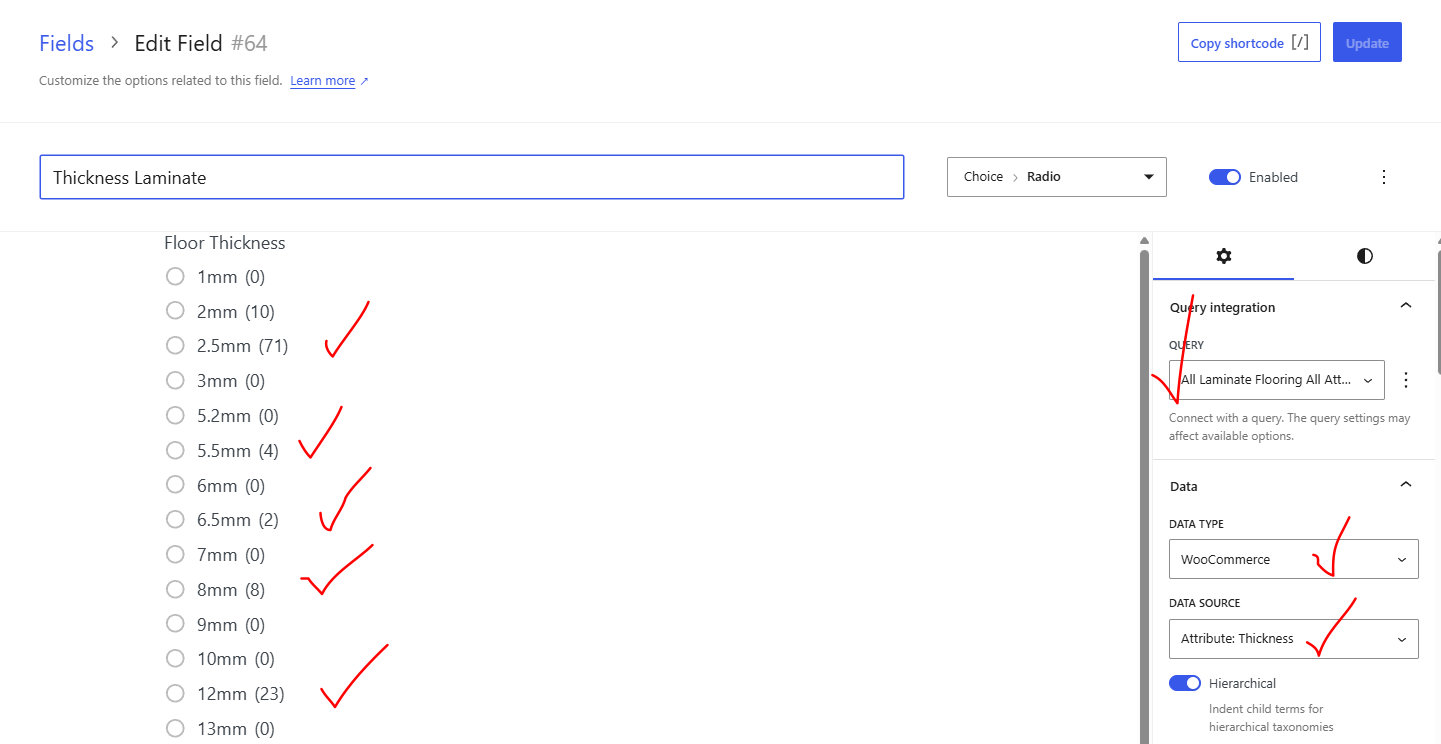
In this instance the thicknesses are from the Attributes and where there is an entry you can see the number in brackets. No entry = 0
Critical point to notice this is pulling the data from the Query (the pool of data which was name All Laminate Flooring) and within in that we are focusing on the WooCommerce Attribute Thickness.
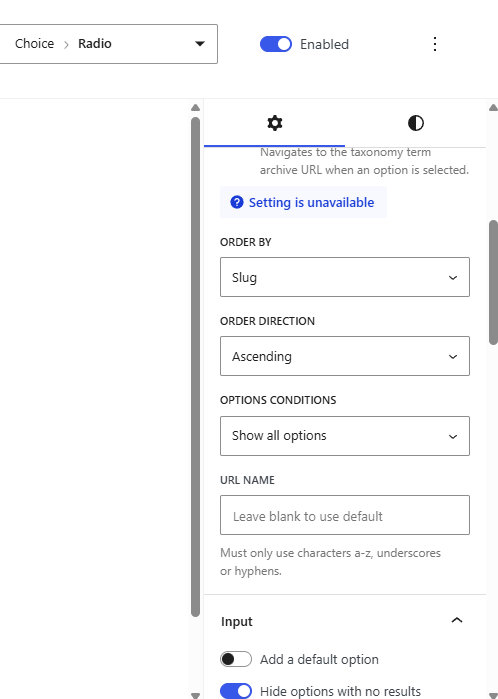
There’s a choice of how the data is displayed:
- Text
- Choice
- Range
- Advanced – Date Picker
Text only works if the person using the page knows what they are looking for. Unlikely.
Select works better for most instances as the choice is built on what is available.
- Select
- Radio
- Checkbox
- Button
Range with slider is very popular with users as it is like a video game moving the slider to see what is in your price range. Tends to keep people on a website.
Reset is vital to go back to no choices made.
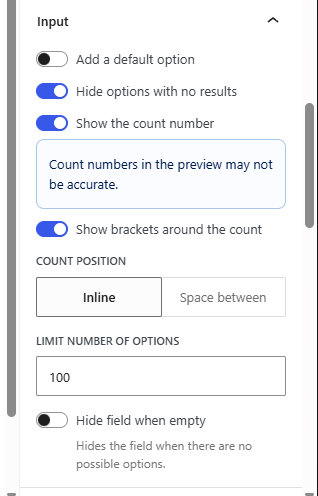
Work your way down the options
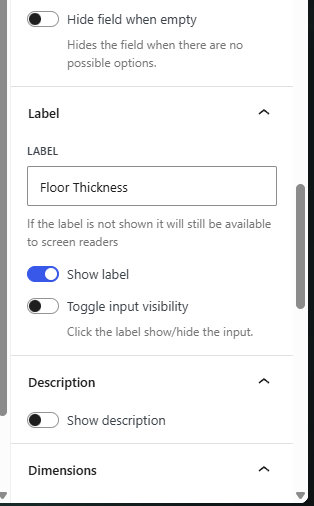
Label this text such as
Floor Thickness will end up on the website page.
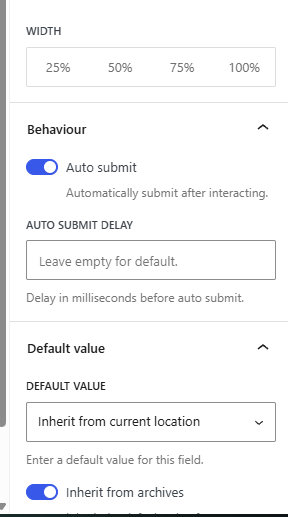
Text
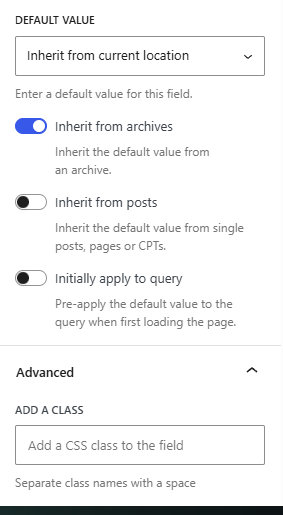
Text