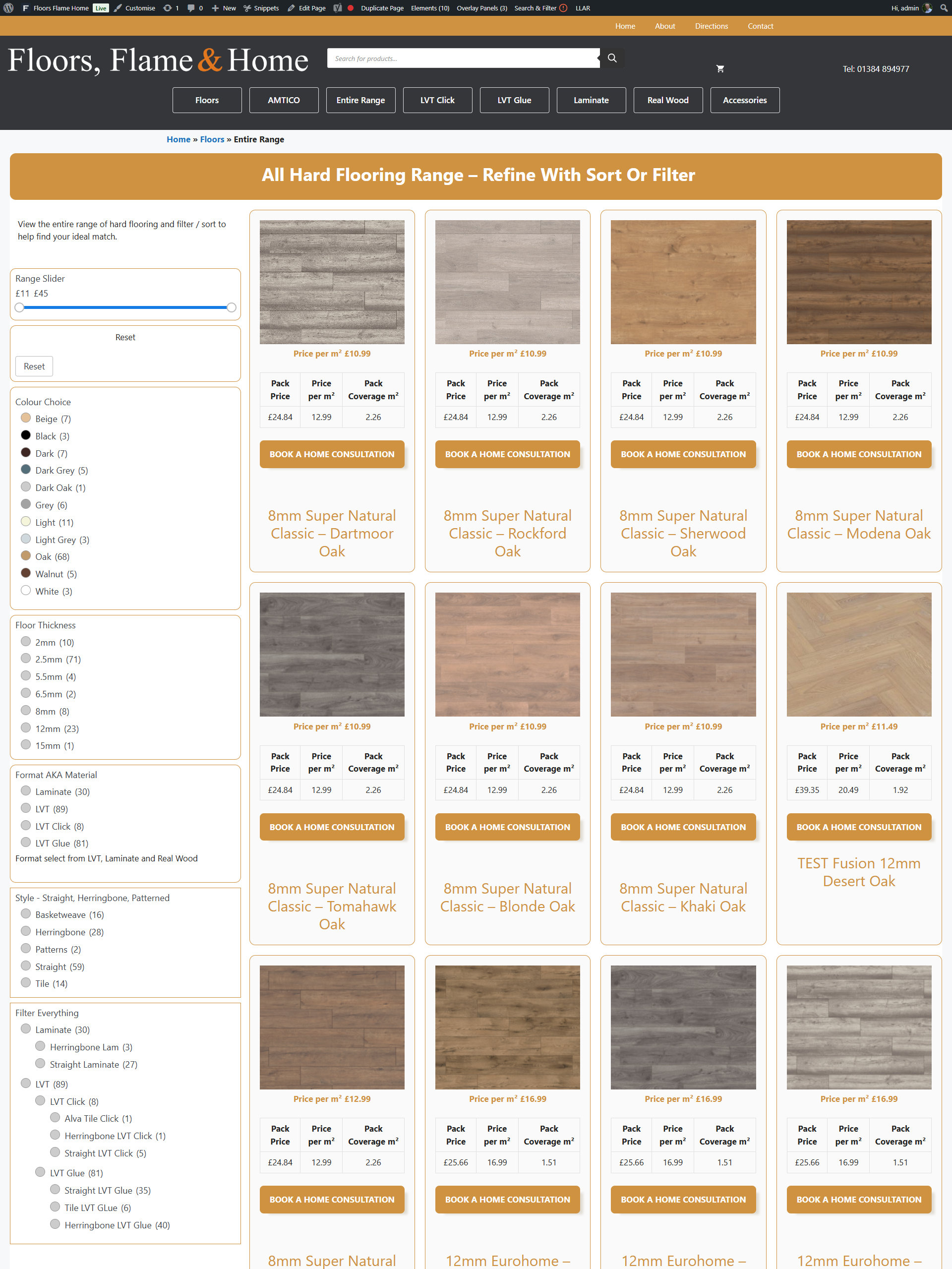
Adding the Filter to a Page
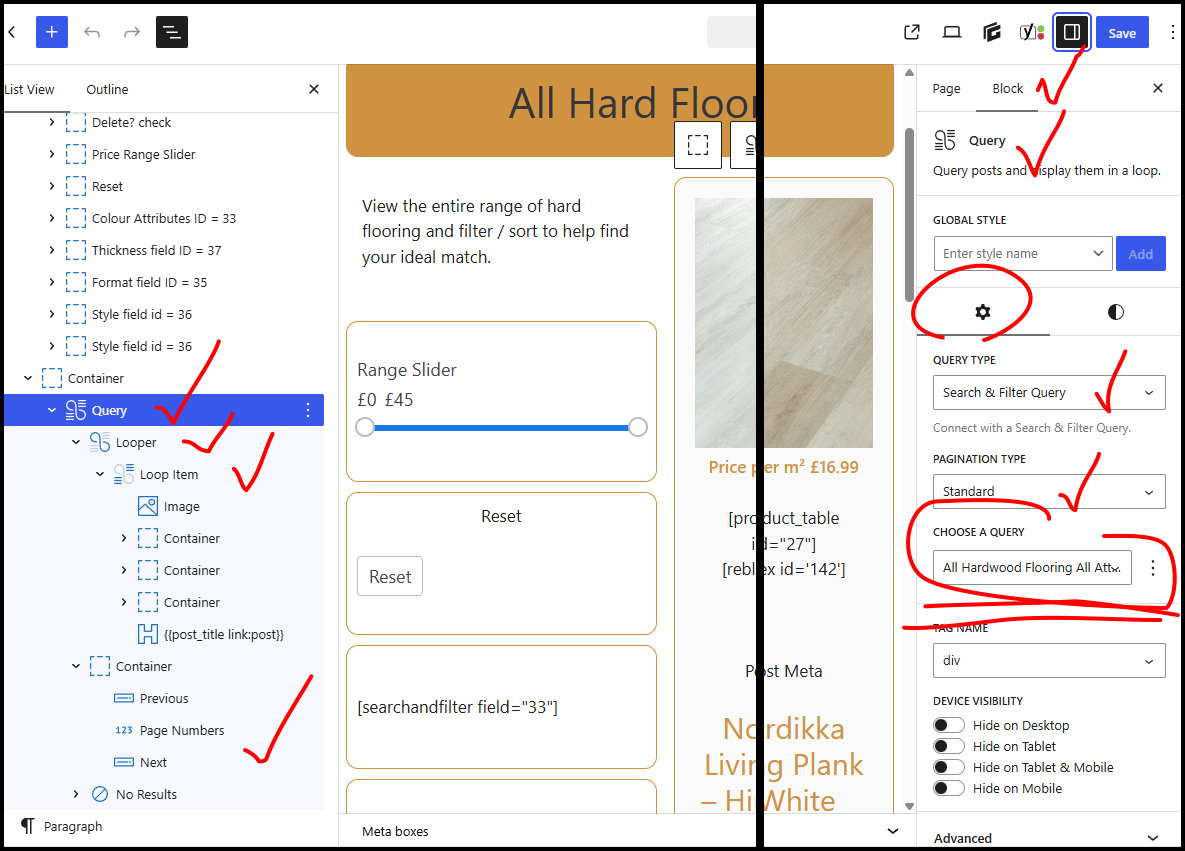
For this to work the on the page a number of factors need to be in place.
- Query to bring the information in this is needs to be the same “pool” as the products you are going to segment. In this example pool is All Hardwood Flooring All Attributes. This is going to display everything and if there is a lot that is going to spill on to a number of pages.
- See Container and the pagination controls.
- It good idea would be to write down a piece of paper what you want on the page and give that a name to create the Query, which would then lead into the fields and then the content on this page.
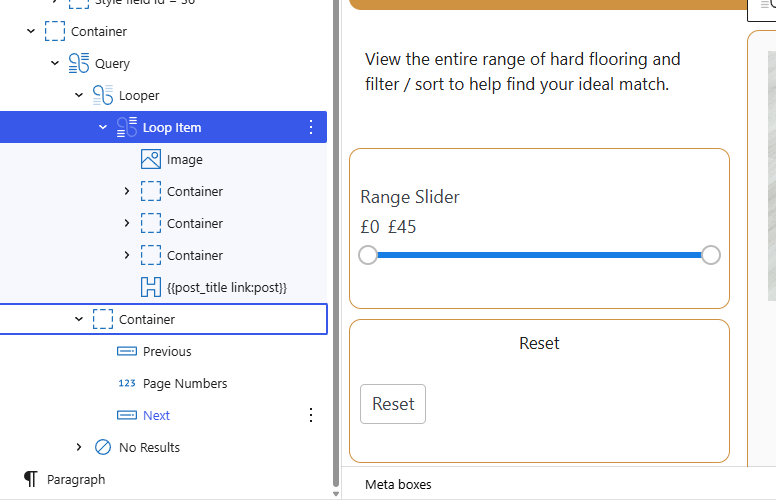
Pagination controls
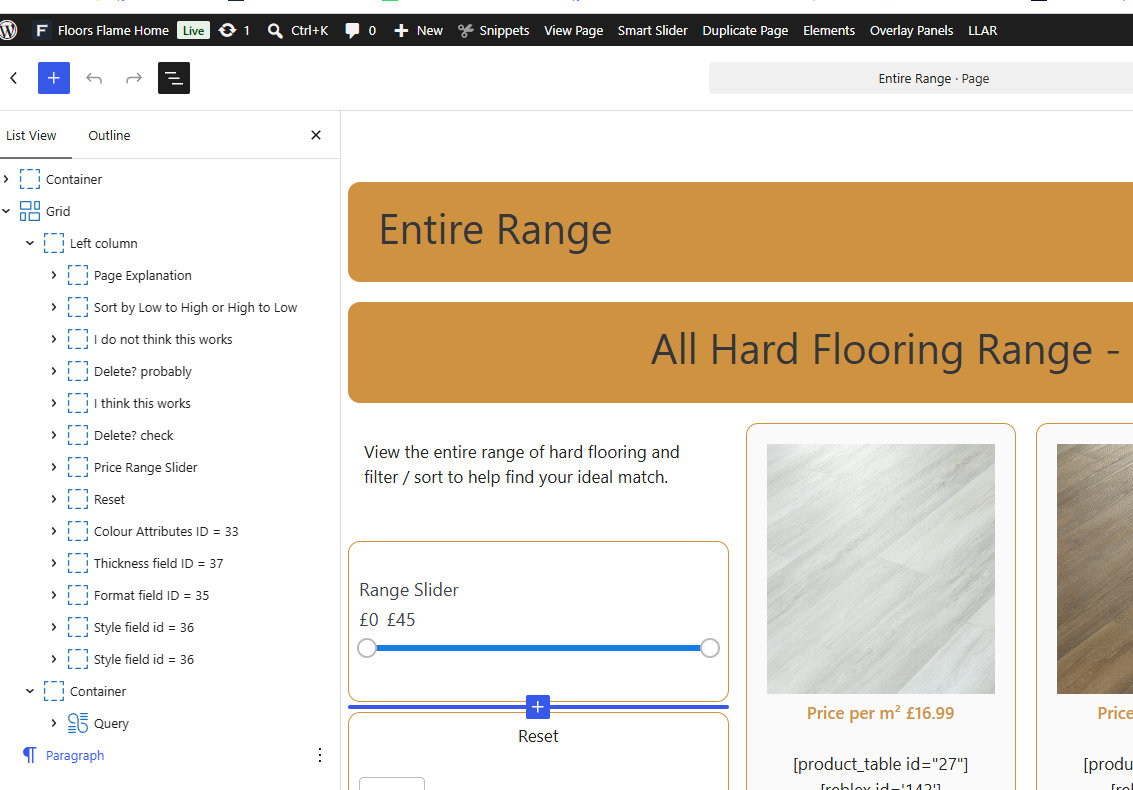
To create the filter boxes down the left hand side one has to
- Create a box
- Add the appropriate filter
- That needs to target the same query as the page which you should have setup when creating Fields.
- This page has
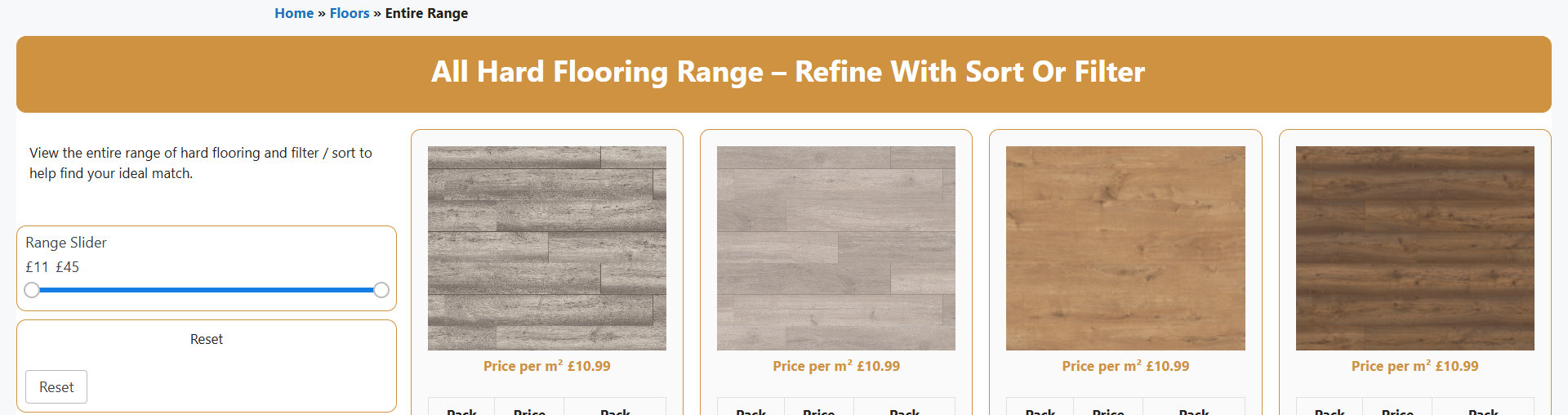
- Range Slider
- Reset
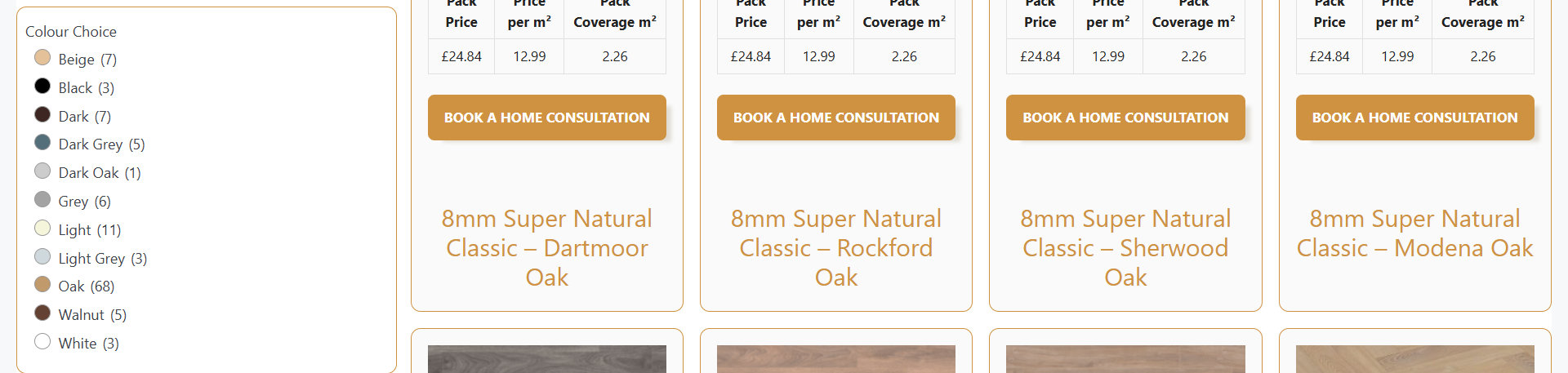
- Colour Choice
- Floor Thickness
- Format
- Style
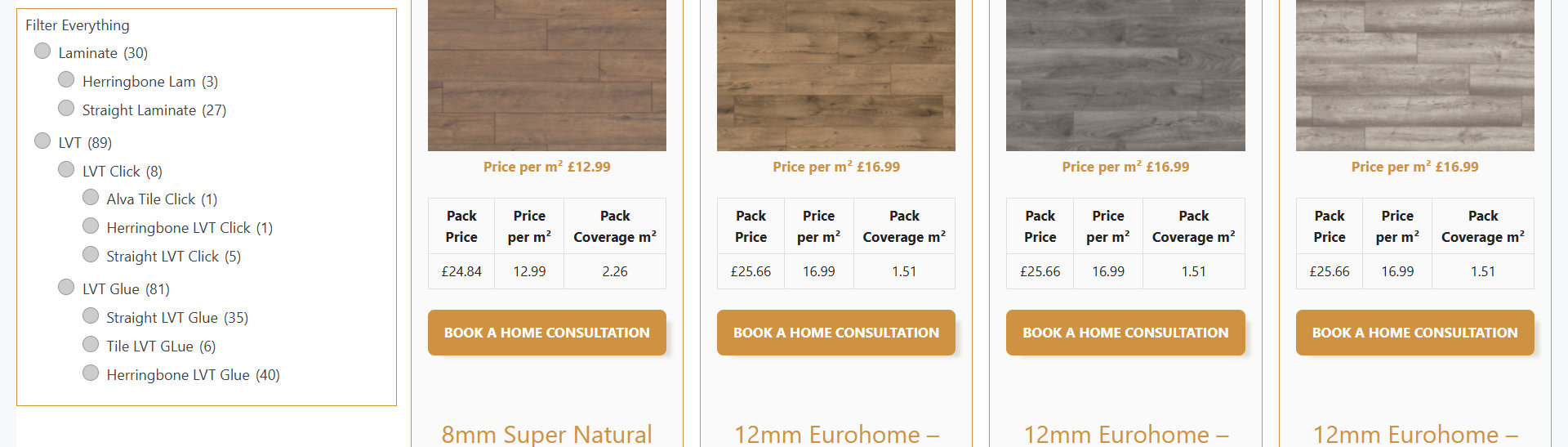
- Filter Everything
Needs Brands adding to this list.