Add CC and BCC to Contact Form 7
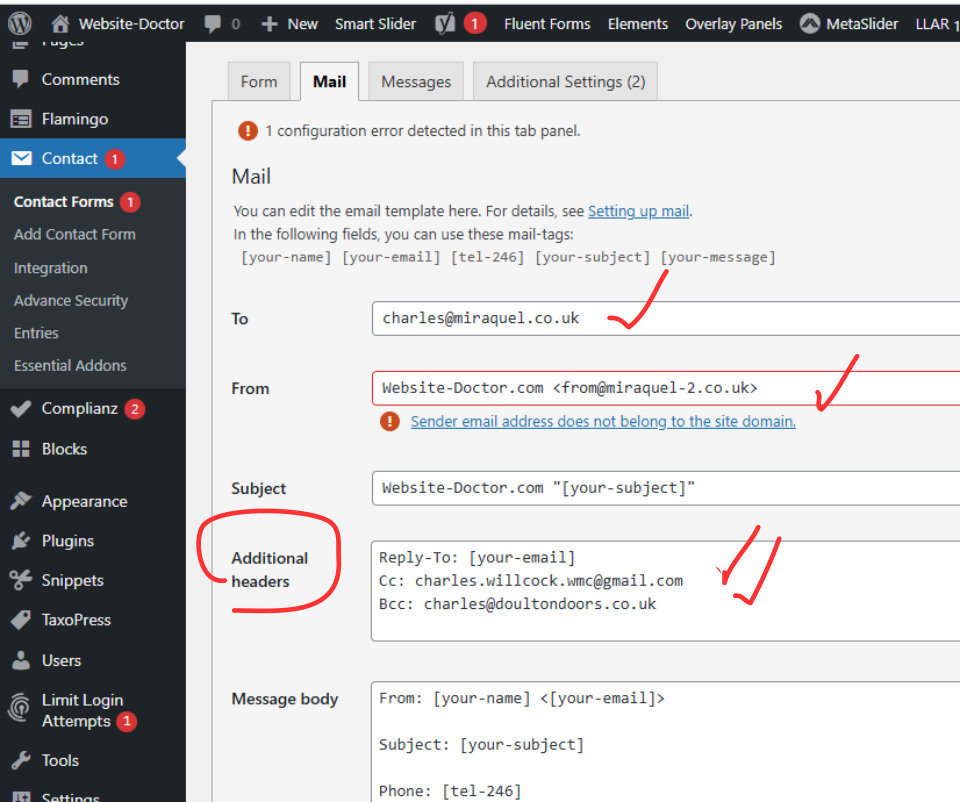
To add CC and BCC to a form add that to the Additional headers field and the job is done.
To add a Thank You page to a website add some javascript to the Elements page you can specify which pages this applies to and on Website-Doctor.com there is a working example.
To view this go to Elements > Redirect to a Thank You Page. When you fill the form in on that page and submit it then sends you to a page called Thank You as an example of how this can work.